 Ritual
Mac
Ritual in your menu bar.
The same tasks and habits as the iPhone app, kept in step through your own iCloud. Glance at today without leaving what you’re doing, and open the full window when you want to plan properly.
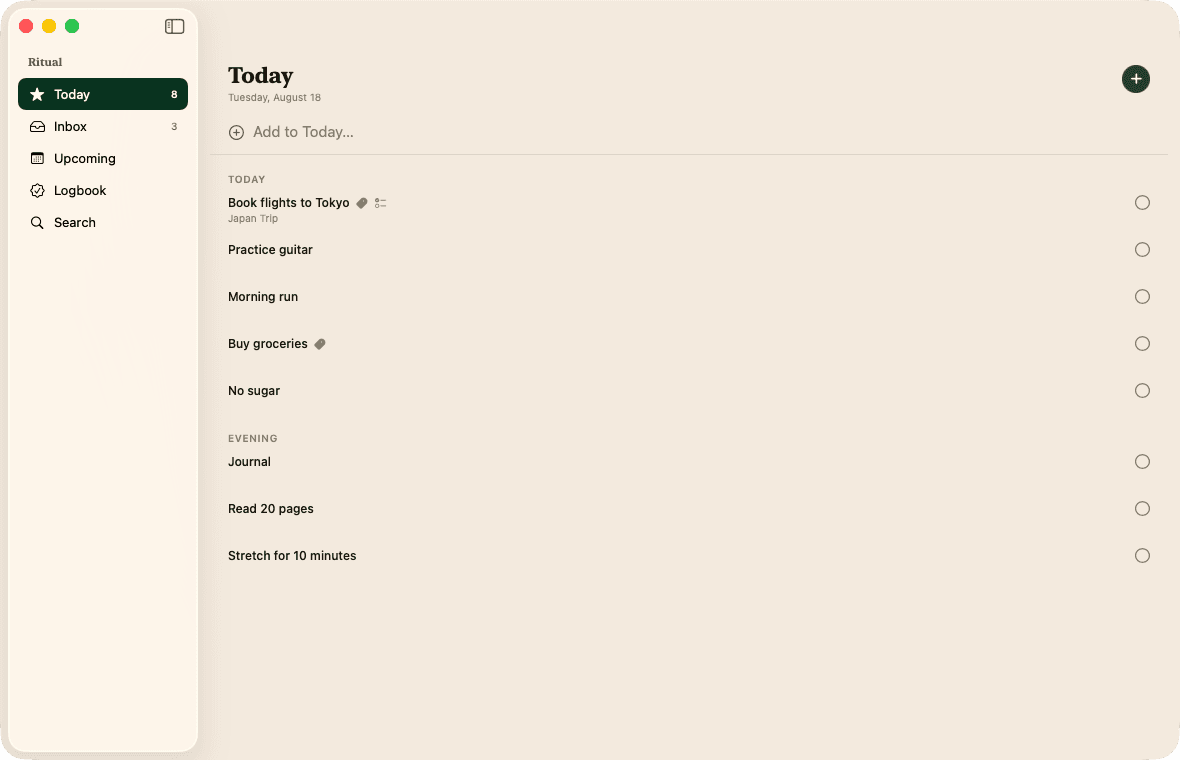
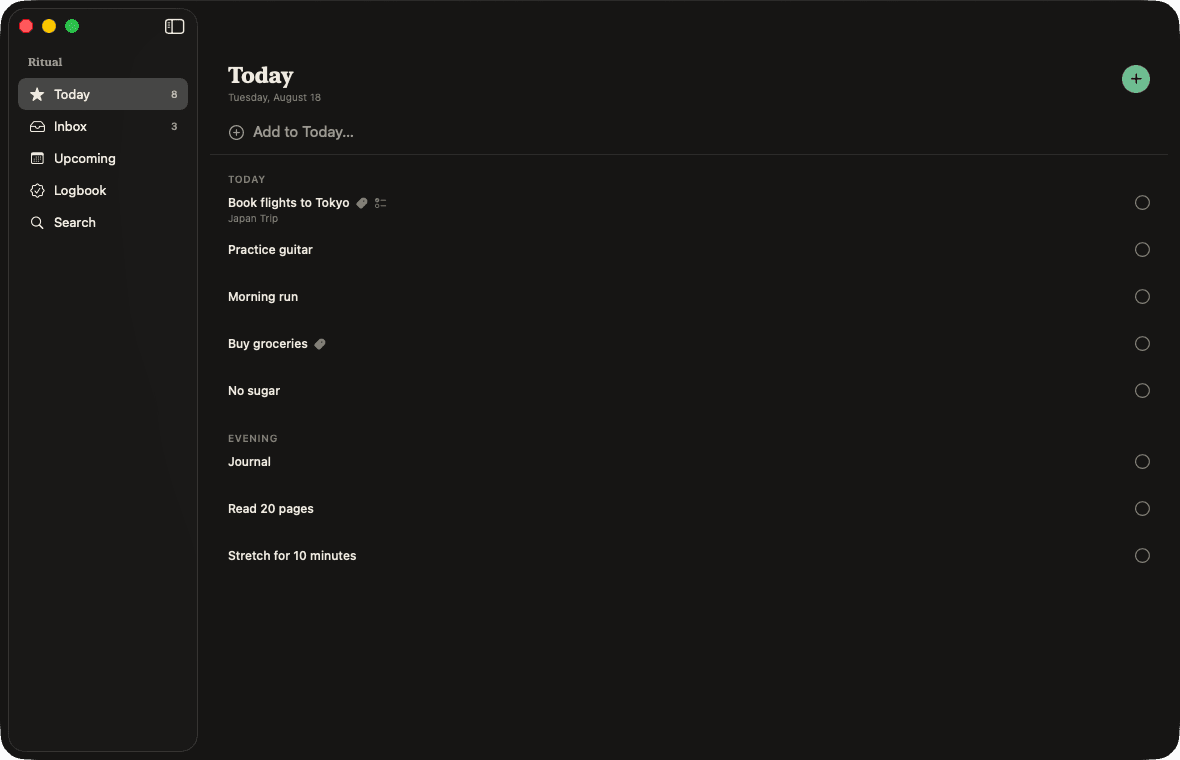
A glance, not a context switch
Click the menu bar and today is there: what’s left, what you’ve done, your habits alongside your tasks. Tick something off and it closes again. The keyboard works too, so you need not reach for the mouse at all.
Option-Space opens it from anywhere.
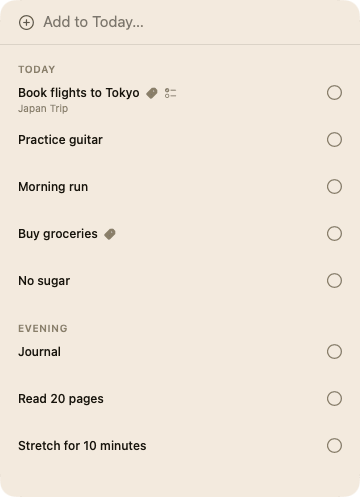
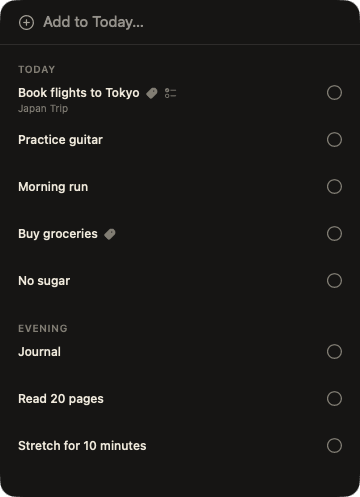
Habits stand beside tasks
Not a separate app, not a separate tab. A morning run and “book flights” are both just today.
And a command line
Every copy carries the ritual command inside it, so you can add and complete tasks from a terminal, or wire Ritual into whatever you already automate. One button in Settings installs it; here’s what it does.
It updates itself
Ritual for Mac checks for new versions and installs them in place, so a direct download doesn’t mean coming back here to check.
Your data stays yours
The Mac app reads the same tasks and habits as your iPhone, synced through your own private iCloud, which Ritual can’t read. Nothing is copied anywhere else.
Free, and a direct download.
Not on the Mac App Store. Signed and notarised by Apple, and it keeps itself up to date.
Download for Mac